


Install Conciella on your phone
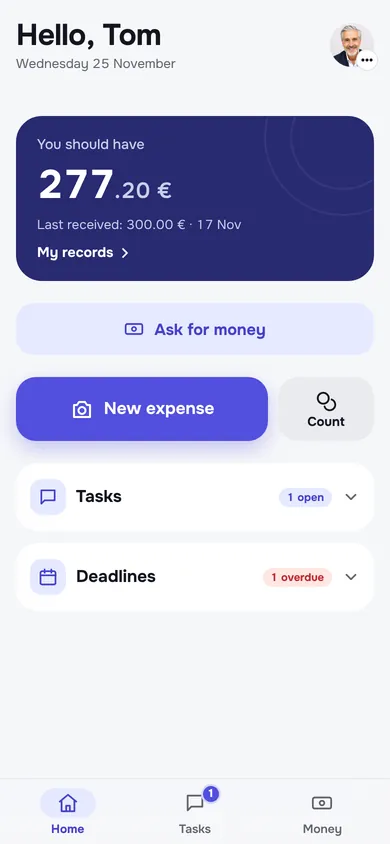
Conciella runs in the browser and adds itself to your home screen like any other app. If your household was invited, open the link you were sent and follow these steps.
On iPhone (Safari)
- Open your household’s Conciella link in Safari.
- Tap the Share button, then Add to Home Screen.
- Open Conciella from the new icon and sign in. Allow notifications so you hear about tasks and money.
On Android (Chrome)
- Open your household’s Conciella link in Chrome.
- Tap Install when it is offered, or open the ⋮ menu and choose Install app.
- Open Conciella from the new icon and sign in.
App Store and Google Play
- Native apps are coming soon. Until then the installed app works the same, with notifications on both iPhone and Android.
Questions people ask
Does it work on iPhone and Android?
Yes. Conciella runs in the browser and installs on the home screen of any iPhone or Android phone in a few seconds. App Store and Google Play versions are coming soon.
Does it work without signal?
The last shopping list stays on the phone, and ticks wait until the signal is back. Most other screens need a connection.
Be first when Conciella opens
We are opening Conciella to more households soon. Leave your email and we will tell you the day it opens. No newsletters.